Rows AI is an all-in-one spreadsheet tool that aims to provide users with a powerful AI tool to analyze, summarize, and transform data more efficiently and effectively.
This tool offers several features that allow teams to build better spreadsheets quickly. The tool's standout feature is its AI Analyst, which leverages the power of artificial intelligence to skip formulas and go straight to insights.
Users can ask the AI Analyst questions in plain language, and it will generate deep insights and fast summaries from the dataset. Rows AI also provides features like social media post categorization, lead list automation, keyword theme identification, and logic rules application to text to summarize and translate to any language.
The tool also integrates with OpenAI, allowing users to generate infinite ideas for blog post titles and content themes. Rows AI offers users seamless connectivity through internal tools, integrations, and data enrichment, making it easier to manage your data.
The tool is available to all users free of charge, making it available and accessible to everyone. Overall, Rows AI is a spreadsheet tool focusing on AI integration, which offers users a unique solution to efficiently manage data and get insights with minimal effort.
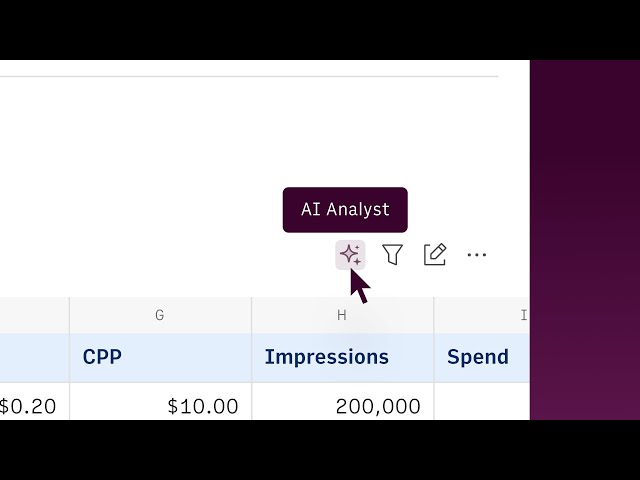
Rows AI: An integrated AI tool that assists with data analysis, allowing users to perform tasks like summarization, classification, and content generation through natural language prompts.
Data Integrations: Seamless connections to various tools and platforms, enabling users to import and enrich data from sources like Google Analytics, social media, and custom APIs.
Real-time Collaboration: Features that support multiple users working simultaneously on spreadsheets, with options for managing permissions and toggling between editable and view modes.
Automated Data Tables: Smart tables that allow for automated data import and refresh, enhancing efficiency in data management and reporting.
Interactive Elements: The ability to add buttons, checkboxes, and input fields to spreadsheets, making them more dynamic and user-friendly for data entry and interaction.
Utilize AI to perform quick calculations and advanced data analysis by simply asking questions.
Create and format charts instantly from data within the spreadsheet.
Automate data extraction from PDFs and images, transforming them into editable tables.
Integrate with various business tools to import and analyze live data without coding.
Conduct what-if analysis and forecast future trends using built-in predictive modeling features.
AI-Powered Analysis: Rows allows users to perform quick calculations and advanced data analysis by simply asking the AI, making data handling more efficient.
Seamless Integrations: The application connects effortlessly with various tools, enabling users to import and analyze data from multiple sources without manual entry.
Enhanced Data Visualization: Users can create clear and sleek charts instantly, transforming raw data into visually appealing formats for better understanding.
Automated Data Management: Features like automatic data refresh and the ability to merge tables streamline data management, reducing manual workload.
User-Friendly Interface: The guided builder and intuitive commands simplify the use of functions, making it accessible for users of all skill levels.
Free Plan: $0/month, includes 5 AI tasks per month, manual data table imports, 10 integrations, and up to 3 guest users.
Plus Plan: $8/month per user, includes 200 AI tasks per month, daily automated data table imports, 10 integrations, and up to 10 guest users.
Pro Plan: $79/month plus $8/month per user, includes 1,000 AI tasks per month, minute-level automated data table imports, 100 integrations, and up to 200 guest users.
Enterprise Plan: Custom pricing, includes advanced API endpoints, custom AI models, unlimited integrations, and dedicated customer support.
Annual Billing: Discounts available, with the Plus Plan at $6/month per user and the Pro Plan at $59/month plus $6/month per user.