Review ratings
No reviews yet
Price
Free
Gallery
About Datayaki
Datayaki is a data analytics tool that allows users to create widgets by simply asking questions. It eliminates the need to write SQL queries or Excel macros, making it easy to obtain quick answers using plain English.
The tool performs all analysis within the user's browser or backend, ensuring privacy as it only relies on the structure of the data, not its content.Datayaki supports multiple data formats, including Excel spreadsheets on your desktop and SQL databases in the cloud.
It also offers built-in support for XLS and CSV files, allowing users to analyze data across multiple spreadsheets simultaneously.One of the key features of Datayaki is its explainable AI, which provides trust and explainability.
The tool can explain its analysis, and users can guide it if it doesn't get things right. Additionally, Datayaki offers end-to-end encryption for secure collaboration, allowing users to share dashboards and analyses with peers while ensuring data remains accessible only to authorized collaborators.For those preferring SQL or NoSQL databases, Datayaki provides connectors for popular platforms such as Firebase, Postgres, Supabase, Snowflake, and more (availability may vary).Overall, Datayaki is a user-friendly data analytics tool that simplifies the process of obtaining insights by allowing users to ask questions in plain English, handling various data formats, ensuring privacy, and providing explainable analysis.
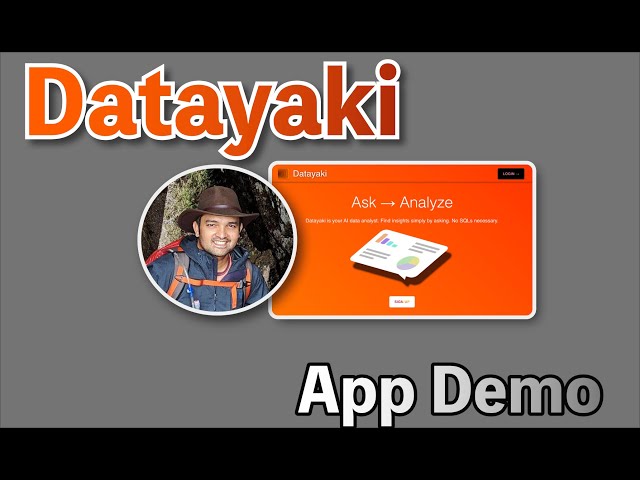
Datayaki key features
- Supports multiple data formats, including Excel spreadsheets and SQL databases.
- Allows users to analyze data using plain English, eliminating the need for SQL queries.
- Ensures data privacy by performing analysis within the user's browser and relying on data shape, not contents.
- Provides explainable AI features, allowing users to understand and guide the analysis process.
- Offers end-to-end encrypted collaboration for sharing dashboards and analyses securely.
Datayaki use cases
- Analyze data from various formats, including Excel spreadsheets and SQL databases, without needing SQL knowledge.
- Utilize AI-driven insights by asking questions in plain English, simplifying the data analysis process.
- Ensure data privacy with end-to-end encryption and local analysis, keeping data secure and confidential.
- Collaborate securely by sharing dashboards and analyses with peers while maintaining data privacy.
- Access connectors for multiple database types, including Firebase, Postgres, and Snowflake, to facilitate diverse data integration.
Useful for
- Supports multiple data formats, including Excel and SQL databases.
- Allows users to analyze data using plain English, eliminating the need for SQL queries.
- Ensures data privacy by performing analysis within the user's browser and not accessing data contents.
- Provides explainable AI features, allowing users to understand and guide the analysis process.
- Offers secure collaboration with end-to-end encryption for shared dashboards and analyses.
Price
- Datayaki supports multiple data formats, including Excel spreadsheets and SQL databases.
- Users can analyze data using plain English, eliminating the need for SQL queries or Excel macros.
- All data analysis is performed privately within the user's browser, ensuring data confidentiality.
- The application offers explainable AI, allowing users to understand and guide the analysis process.
- Collaboration features include end-to-end encryption for securely sharing dashboards and analyses.
Last Reviews
Frequently asked questions
What is Datayaki useful for?
What are the main use cases for Datayaki?
What are Datayaki's key features?
How much does Datayaki cost?
Similar products
Oops! It looks like you need to sign up
Before leaving a review you need to create an account. Don't worry, it only takes a moment and gives you access to exclusive content and updates. Ready to get started?